Affiliate Disclosure: This page may contain affiliate links. All character creation guidance is based on direct platform testing.
CrushOn AI Character Creation Guide 2026: Build Your Own AI Persona
Character creation is available to all CrushOn AI users at no cost — including free tier accounts. Building a custom AI character takes 5 to 15 minutes depending on how detailed you want the persona to be. The quality of your character card directly determines the quality of conversations you will have with that character. A vague description produces generic, inconsistent responses. A detailed, well-structured character card produces coherent, engaging interactions that stay in character across long conversations. This guide walks through the full process.
The Basics of CrushOn AI Character Creation
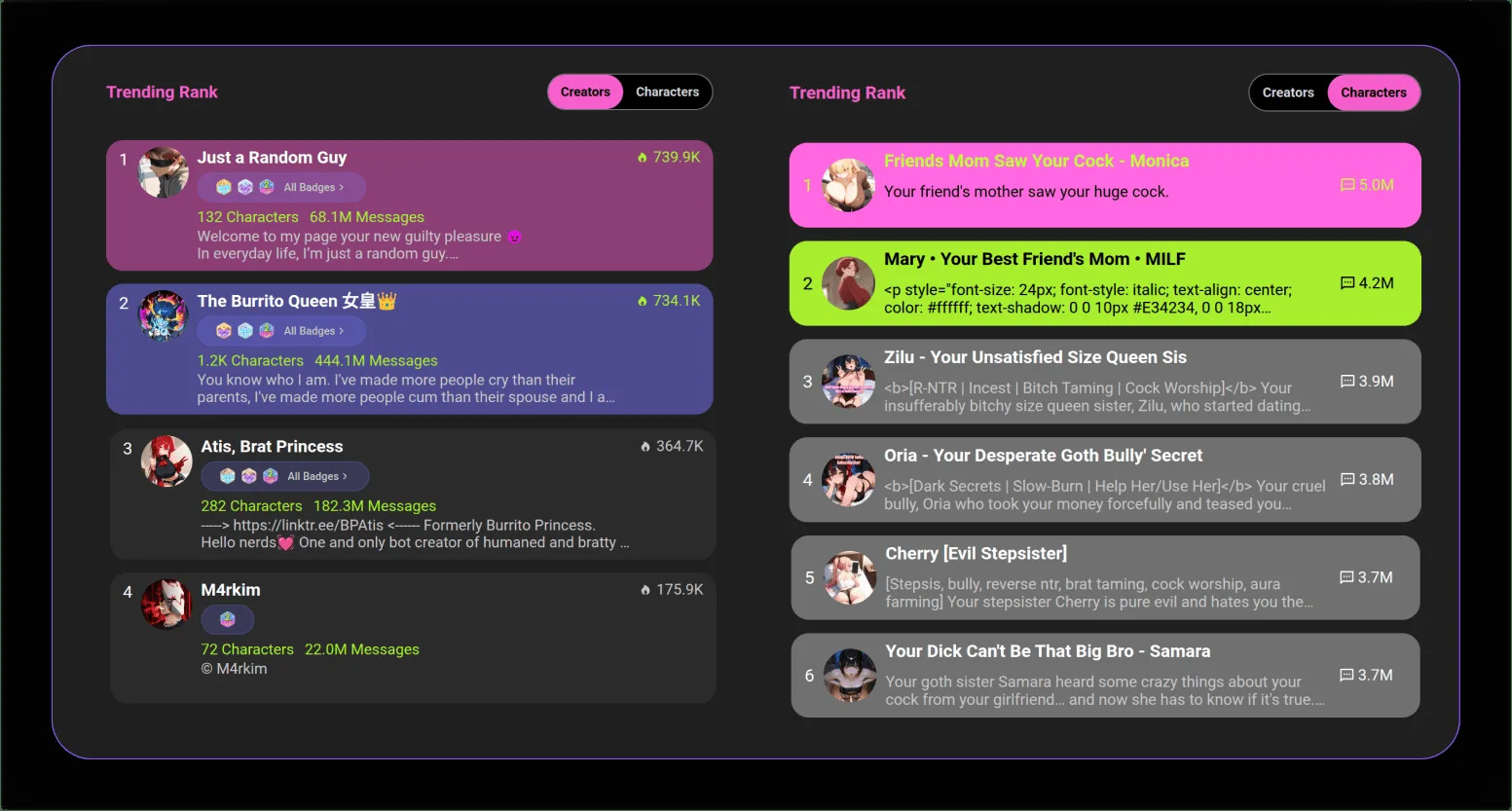
Every character on CrushOn AI is defined by a character card — a structured profile that tells the AI how to behave during conversations. The character card includes:
- Name: The character's name as it appears in the chat
- Personality traits: Descriptors that define the character's behavioral and emotional tendencies
- Backstory: Narrative context about the character's history and motivations
- Dialogue style: How the character speaks (formal, casual, poetic, blunt, etc.)
- Opening message: The first message the character sends when a new conversation starts
- Optional avatar image: A visual representation of the character
CrushOn AI supports anime-style, realistic, and fantasy character types. The platform hosts over 500,000 community-created characters, all built using the same creation interface available to you.
Step-by-Step: How to Create a Character
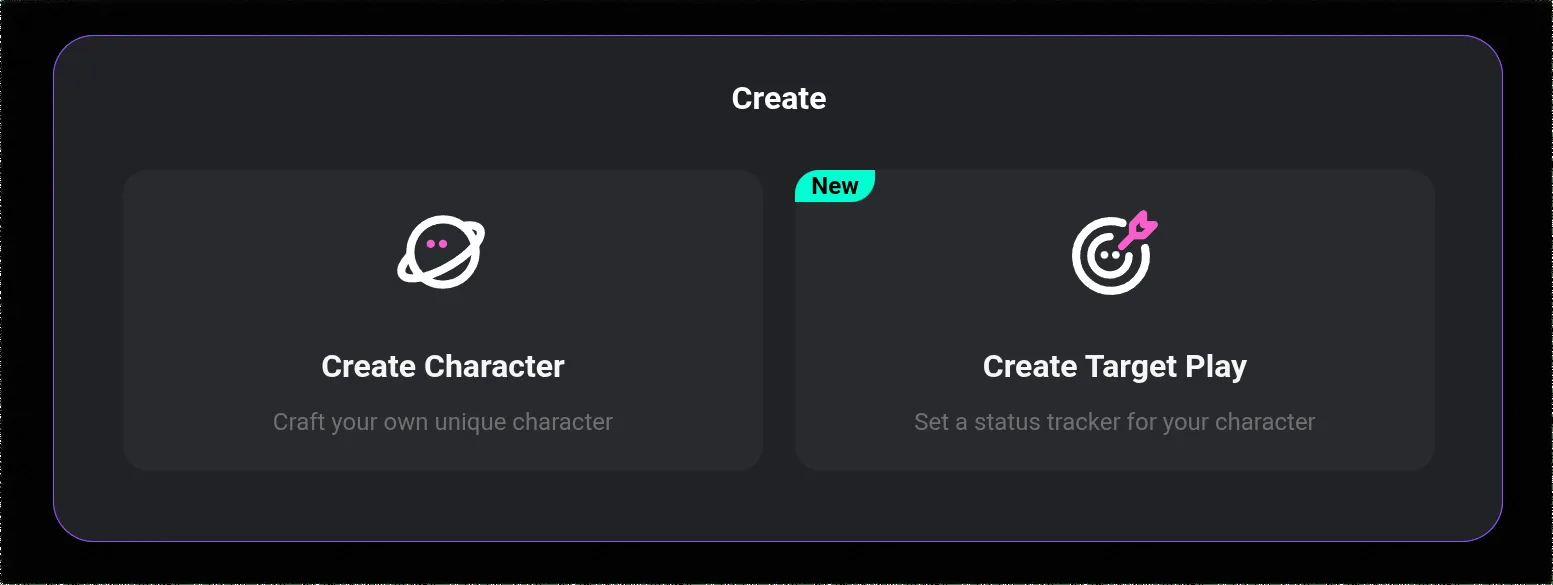
Step 1: Access the Character Creation Tool
- Log into your account at crushon.ai (app or browser)
- Navigate to the character section via the sidebar menu
- Click "Create Character" or the equivalent "+" button
- The character creation form will open
Step 2: Fill In Core Character Details
Name: Choose a name that feels consistent with the character's personality and archetype. Names influence how the AI (and users) perceive the persona.
Personality traits: This is the most important field. List 4 to 6 specific personality traits — more general than that and the character will be inconsistent; more specific than 6 and you may be over-constraining the AI. Strong examples:
- "Warm, playful, slightly sarcastic, deeply loyal, emotionally perceptive"
- "Stoic, precise, unexpectedly tender, slow to trust, intensely protective"
- "Energetic, impulsive, self-deprecating, surprisingly empathetic, terrible at following rules"
Avoid generic traits like "nice" or "friendly" — they provide no behavioral direction.
Backstory: Write a paragraph (3 to 6 sentences) describing the character's history, key experiences, and what shaped them. This backstory informs how the character responds to sensitive topics, relationship dynamics, and emotional scenarios. The more specific the backstory, the more distinctive the character's responses will be.
Example backstory (effective): "Mira grew up in a small coastal town and left at 17 to study astrophysics. She spent three years working at a remote observatory before returning to human contact, which left her simultaneously fascinated by and slightly awkward around people. She copes with uncertainty through dark humor and excessive precision."
Step 3: Define Dialogue Style
In the dialogue style or scenario field, specify how the character speaks. Include:
- Vocabulary level (academic, casual, colloquial, archaic)
- Sentence structure preferences (short and punchy vs. elaborate)
- Speech patterns or verbal tics (if any)
- Emotional expression style (reserved vs. expressive)
Adding example dialogue — 2 to 3 sample exchanges that demonstrate the character's voice — significantly improves consistency. Many experienced creators include an "example dialogue" block directly in the scenario field.
Step 4: Write the Opening Message
The opening message is the first thing users see when they start a conversation. Make it:
- Character-specific (not generic "Hello, how can I help you?")
- Establishing of tone and personality immediately
- Contextually interesting enough to prompt engagement
- In the character's voice, not the creator's
Strong opening messages establish a scene, a mood, or a relationship dynamic immediately.
Step 5: Set Visibility and Publish
Choose whether your character is:
- Private: Only visible to you
- Unlisted: Accessible via direct link only
- Public: Available in the community character library
Published public characters become discoverable by the entire CrushOn AI user base and can accumulate followers and interactions over time.
Best Practices for Better Characters
Use specific personality descriptors: "Relentlessly curious about obscure history" is more useful than "intelligent." Specificity is the difference between a character that feels real and one that feels like a generic chatbot.
Include emotional triggers and boundaries: If you want the character to react with anxiety to abandonment themes or show vulnerability around specific topics, stating this explicitly in the backstory or scenario field produces more consistent, emotionally nuanced responses.
Describe speech patterns explicitly: If the character should speak in short, clipped sentences, say so. If they tend toward run-on emotional monologues when nervous, describe that. The AI adapts to stated patterns better than it infers them.
Test in conversation before publishing: Create your character, start a test conversation, and evaluate whether the responses match your intention. Iterate on the character card based on what you observe. Most high-quality community characters went through several revisions before reaching their final form.
Use the memory feature for character continuity: On paid tiers, the memory system allows characters to retain context from previous conversations. Designing backstory elements that you want the character to remember (key relationships, past events) makes the memory feature more powerful.
Ready to try CrushOn AI?
Visit CrushOn AIAdvanced Character Tips
Multi-character scenarios: You can reference other characters or relationships in a character's backstory to create more complex interaction dynamics when users engage with multiple characters.
NSFW characters: CrushOn AI supports adult-oriented characters on the platform. NSFW characters require appropriate tagging so they are only discoverable by eligible adult users. Clear content tagging improves discoverability and user experience.
Character cards and sharing: CrushOn AI supports character card sharing — you can share your character with other users via direct links. This is useful for collaborative scenarios where multiple users interact with the same custom character.
For information on image generation within character conversations, see our image generation guide. To understand which AI models produce the best character consistency, see our model comparison guide.
Frequently Asked Questions
Yes. Creating characters is completely free for all CrushOn AI users, including those on the free tier. There is no cost to create, edit, or publish characters. Any user can contribute to the community character library at no additional charge.
Yes. Characters can be edited at any time after creation. Changes to the character card (personality, backstory, dialogue style) take effect in new conversations. Existing conversations may retain previous behavior based on already-generated context.
Effective character cards share three qualities: specificity of personality traits (4 to 6 detailed descriptors, not generic adjectives), a concrete backstory that explains behavioral patterns, and explicit dialogue style guidance including example exchanges. Vague descriptions consistently produce generic responses.
Deep cross-session memory requires a paid plan. Standard tier provides improved memory over free. The Deluxe plan's 16K token context window is the most powerful option for long-term character memory. Within a single session, all tiers retain conversation context.
Yes. Characters can be deleted through the character management section of your account. Deleting a public character removes it from the community library. Deleting a character does not affect your account or subscription.
There does not appear to be a strict published limit on character creation for standard users. In practice, platform limits (if any) are high enough that most individual users never encounter them. Create as many characters as you need.